
Digital Denture Design
2 Weekly Live Online Lectures
4 Weeks Program
Weekly Assignments on REAL CASES
Master the Foundation of Digital Denture Design
Creating a new patient case and selecting the correct restoration/denture type
Importing intraoral/model scans (STL) and orienting the models
Virtual articulator setup and bite registration
Common file/scan errors and how to correct them before design begins
Digital surveying: tilting the model and choosing the path of insertion
Guide plane placement
Automatic and manual block-out of undercuts
Practical exercise: survey and block out a Kennedy Class I mandibular arch
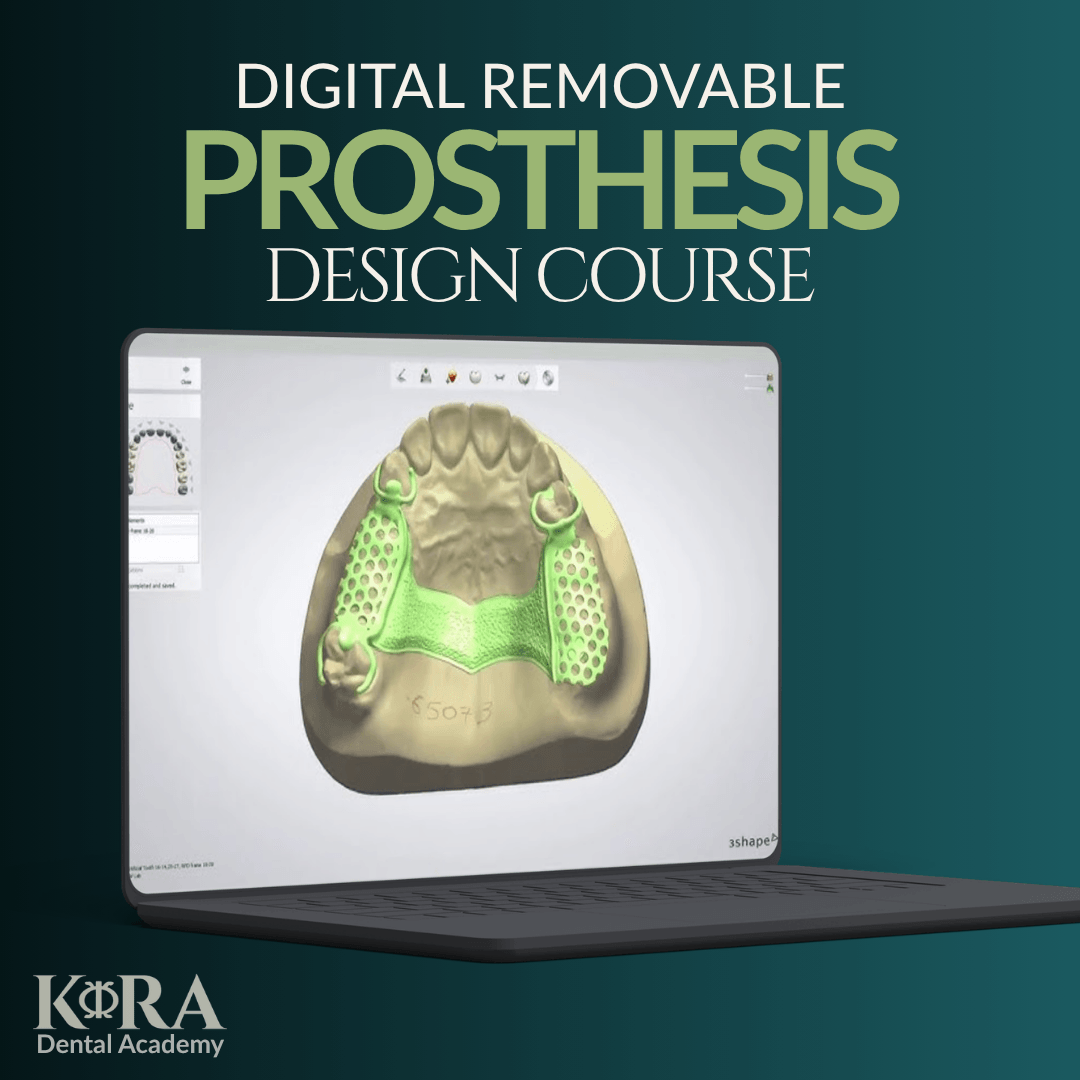
Clasp library and clasp design tools (circumferential, bar, RPI, wrought wire)
Major and minor connector design
Mesh/retention design for acrylic saddles
Finish line design and relief settings
Practical exercise: complete an RPD framework from the Module 2 case
Attachment-based partial framework design without rescanning the attachment
Automated split denture workflow for hybrid/All-on-X style cases (PartialCAD 3.3 Chemnitz), including automatic and manual split-line placement
Thin-gingiva detection and automatic material addition for mechanical strength
QA checklist and export for milling or 3D printing
Case setup for single-arch and dual-arch edentulous cases
Digital model analysis and denture space evaluation
Occlusal plane orientation and jaw relation records in the virtual articulator
Navigating the prosthetic tooth library (including third-party libraries)
Automatic full-arch tooth setup suggestion based on model analysis
Manual setup adjustment and morphing tools for esthetics and occlusion
Using generic and personal presets to speed up setup
Virtual gingiva design and denture base contouring
Generating a digital try-in for review/approval
Production routes: two-step milling, printed denture bases, monolithic printed dentures
Final QA checklist before export
Independent design of an assigned RPD case, submitted with screenshots of survey, framework, and QA checklist
Independent design of an assigned complete denture case, submitted with screenshots of setup, try-in, and QA checklist
Peer review discussion and instructor feedback
WHAT OUR STUDENTS SAY
Meet Your Instructors ...
Prof. Mostafa Aboushahba
Assoc. Professor Prosthodontics (FUE)
Head of Digital Dental Center (FUE)
Future University in Egypt
Here's What You Get When You Enroll In
'[Digital Denture Design]' Today:
4 Weeks of of Dental Digital Training:
exocad DentalCAD Fundamentals
PartialCAD I: Model Analysis & Surveying
PartialCAD II: Framework Design
PartialCAD III: Advanced & Hybrid Workflows
FullDenture I: Case Setup & Model Analysis
FullDenture II: Tooth Setup
FullDenture III: Base Design, Try-In & Production
Capstone Project
Total Value:950 $
TODAY ONLY:
550 $